

Showcase can do so many awesome things with forms (HTML5): data capture, quoting calculators, quizzes, and tests (great for trade shows and staff training). We've even done forms for incident reporting and uniform ordering!
We can fully customize our forms for you and your needs, so get in touch if you'd like to discuss your ideas!
We've provided a few examples below to get your creative juices pumping. We've also got a whole wonderful series about forms over on our blog:
Pop-up forms
Our simple pop up forms are the essential 'basic' forms for data entry. Like the example below, you can add up to seven simple text fields (any more than that and it gets a bit difficult).
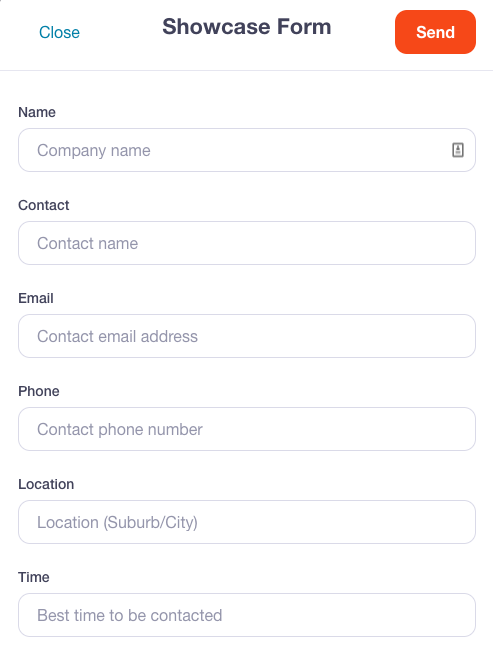
If you have basic HTML skills, you could give this one a go on your own! We've got a handy guide with everything you need to get started.
Our friendly team is also available if you'd like a hand — send us an email and we'll get the ball rolling.
Branded forms
Branded forms a step up from our simple pop-up forms. As the name suggests, you can brand these ones however you like. You can also add drop-down menus, checklists, and links (perfect for Terms and Conditions).
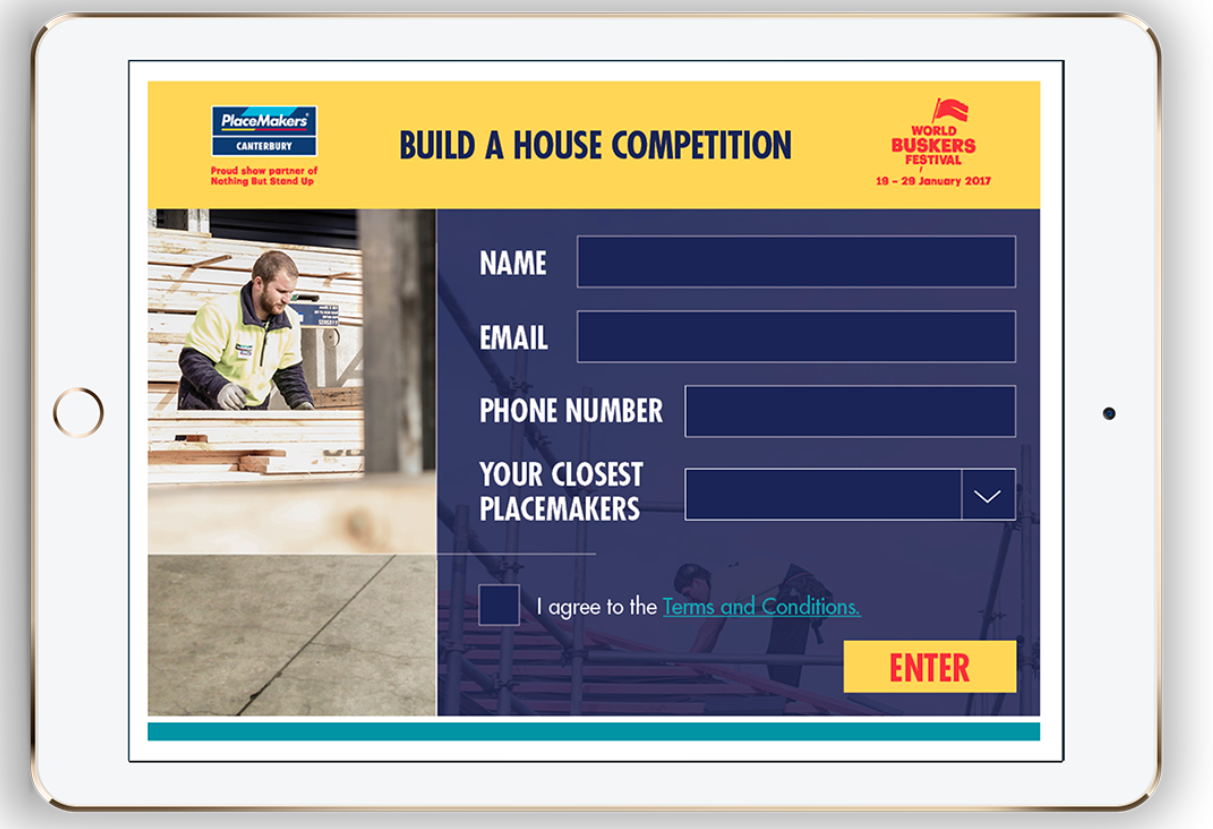
Give us a bell if you're interested in using branded forms in your presentation and we'll get the code sorted for you.
Calculators
Calculators are a super fun addition to a Showcase presentation! They can be interactive and don't even have to look like a calculator — that's just our fond way of describing all the technical stuff that's going on behind the scenes.
You can get pretty complex with calculators, even filling them with multi-currency options.
If you're interested in using this feature, get in touch and we can have a chat about how it might look for your business.