

The Outline feature gives you a visual overview or ‘site map’ of how your presentation is organized. This is particularly useful for large presentations or ones with lots of different files.
To view the outline of a presentation:
Open the web app and find the relevant presentation.
Click 'More' and select 'Outline' from the drop-down menu.
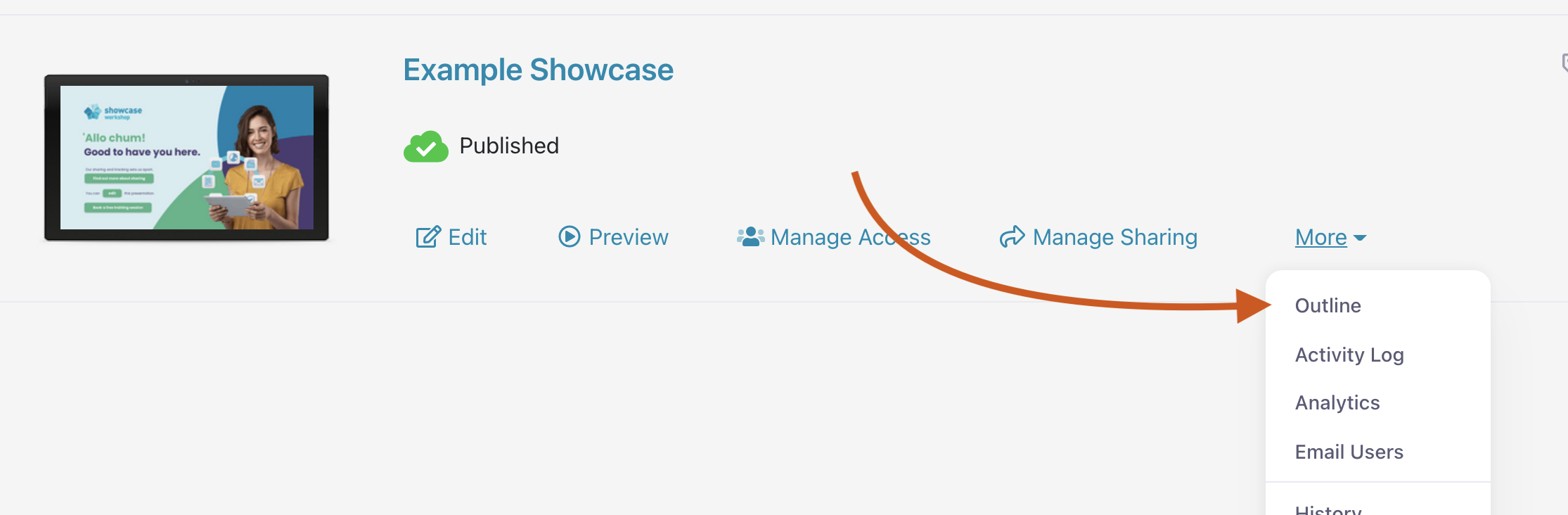
This will open the Outline for that particular presentation.
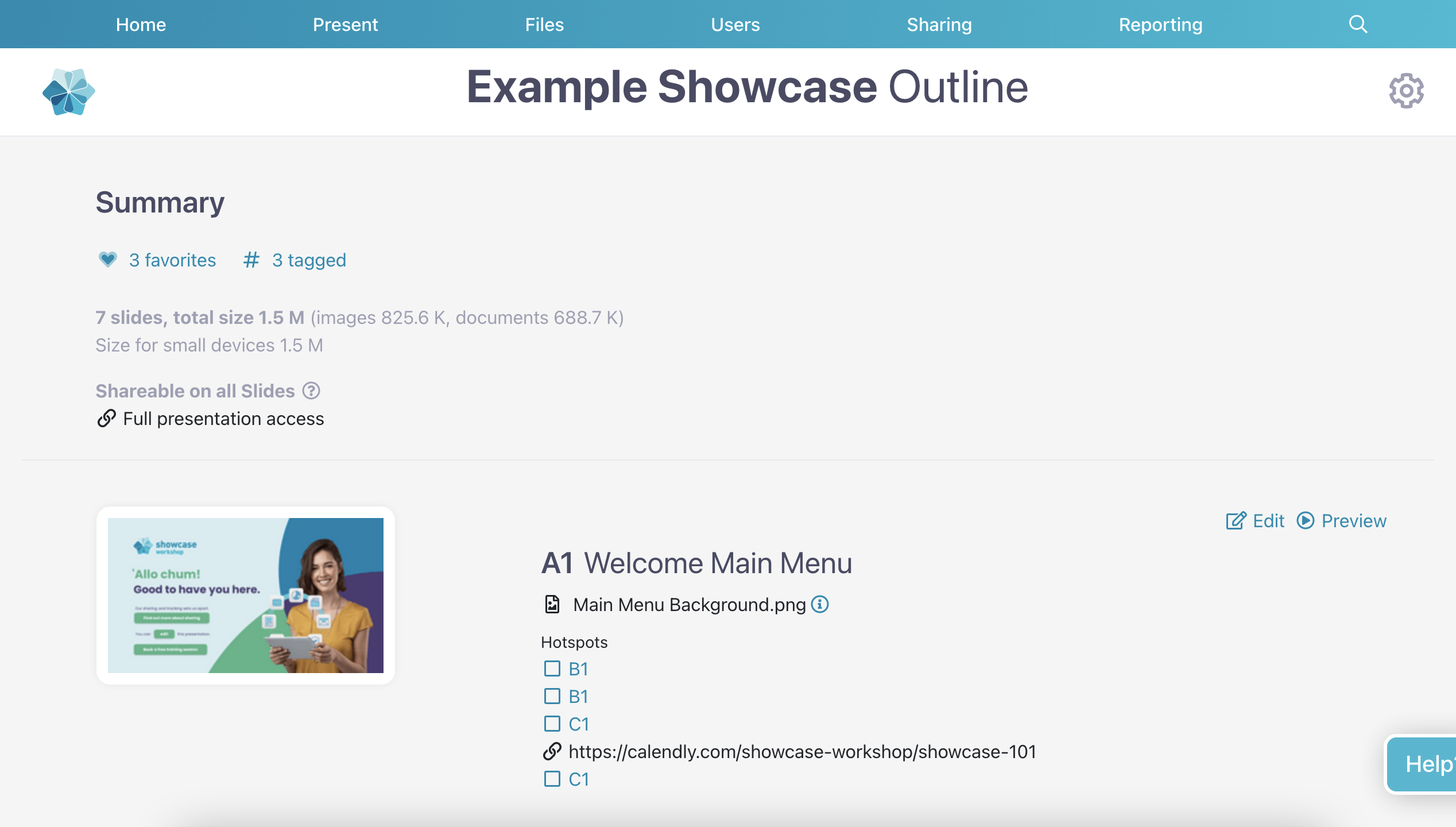
The outline includes:
Links to each slide, so you can go straight there if you need to make any changes
A list of shareable files for each slide
A list of files that are shareable from all slides
The size of your presentation
The number of slides that have been tagged
The number of slides that have been favorited
Note: Since tags and favorites are individual to each user, you won't be able to see what users have named their tags — but you'll be able to see how many times a slide has been tagged.
