

Users can share two types of content in the Showcase Workshop app:
The full presentation
Other, individual files like PDFs or videos
Once you've made a presentation shareable, your sales reps can share a read-only version of the entire presentation with anyone — even if they don't have the Showcase Workshop app! All the recipient needs is a compatible web browser and an internet connection.
You can turn this feature on and off at any time. We have a separate article about setting up sharing for individual files.
Note: The recipient will not be able to view your workshop, or any other presentations — just the presentation you send to them.
Only Admin and Editor users are able to control if a presentation is shareable. Viewers may want to check out our article about how to share content instead.
Here's how to set up sharing for your presentation:
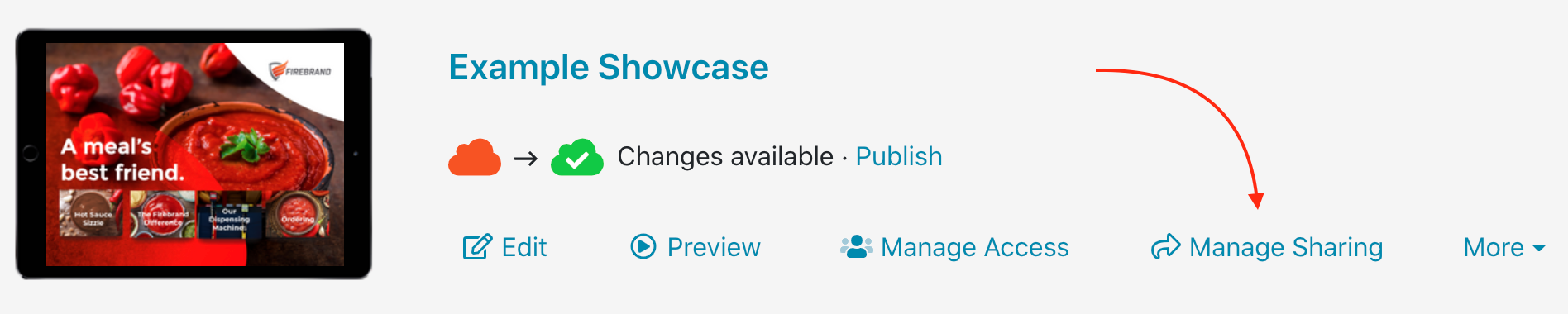
In the Home tab of the website, find the relevant presentation and click ‘Manage Sharing’.
Alternatively, when editing a presentation you can click 'Sharing' in the toolbar at the top of the screen.

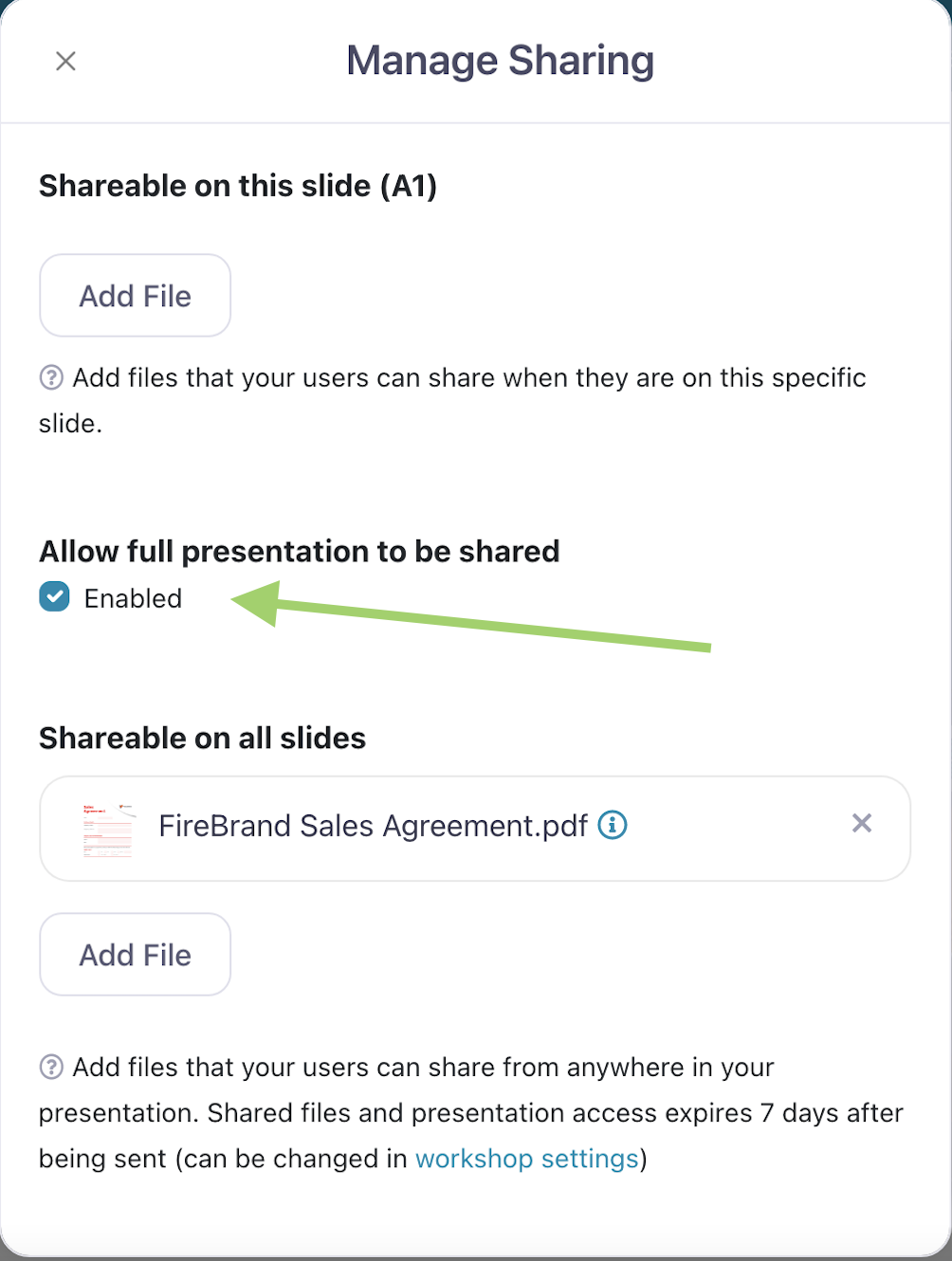
Under 'Allow full presentation to be shared', check the box next to 'Enabled'.
Don't forget to publish the presentation to push this update to all users!